
Saudi IT company
Soft Cube
Cloud ERP, mobile apps and IT services for businesses in Saudi Arabia.
We build the systems your company runs on every day: invoices, stock and staff, the app your customers reach you through, and the network and devices it all runs on.
No credit card needed for the trial.
Three faces, one cube
What we do
Each face of the cube is one line of work, and the three work together.
Soft Cube ERP
A cloud ERP for Saudi businesses: finance, sales, purchasing, inventory and HR in one system, with a ready setup for your industry.
About the ERPMobile apps
Android and iOS apps for your customers and staff, in Arabic and English, connected to your systems.
How we build appsIT services
Software and web development, ERP implementation and training, networks and IT support, and hardware supply.
All services
Inside the ERP
These are the real screens
Pictures from Soft Cube ERP with the demo company's data, not mock-ups.
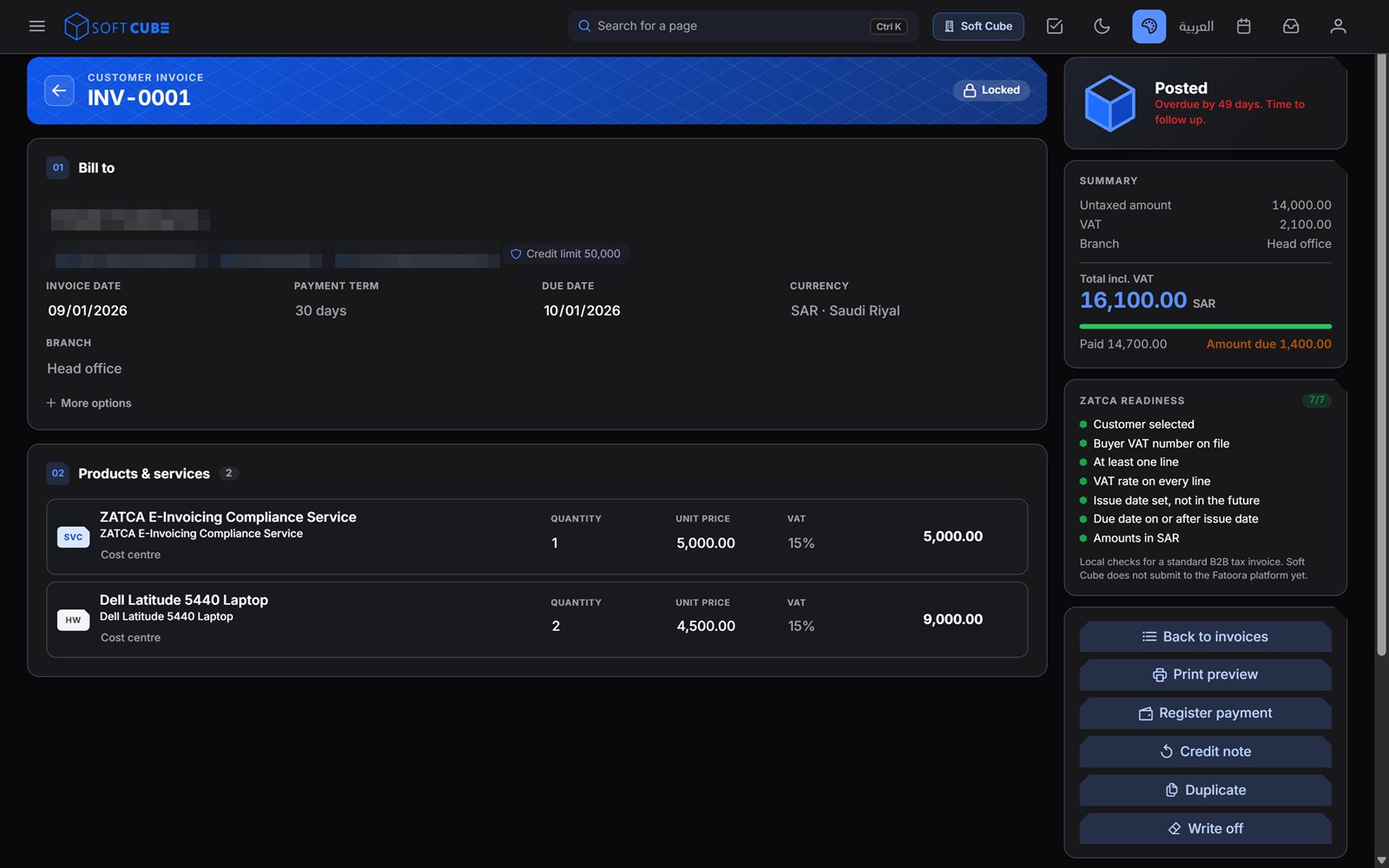
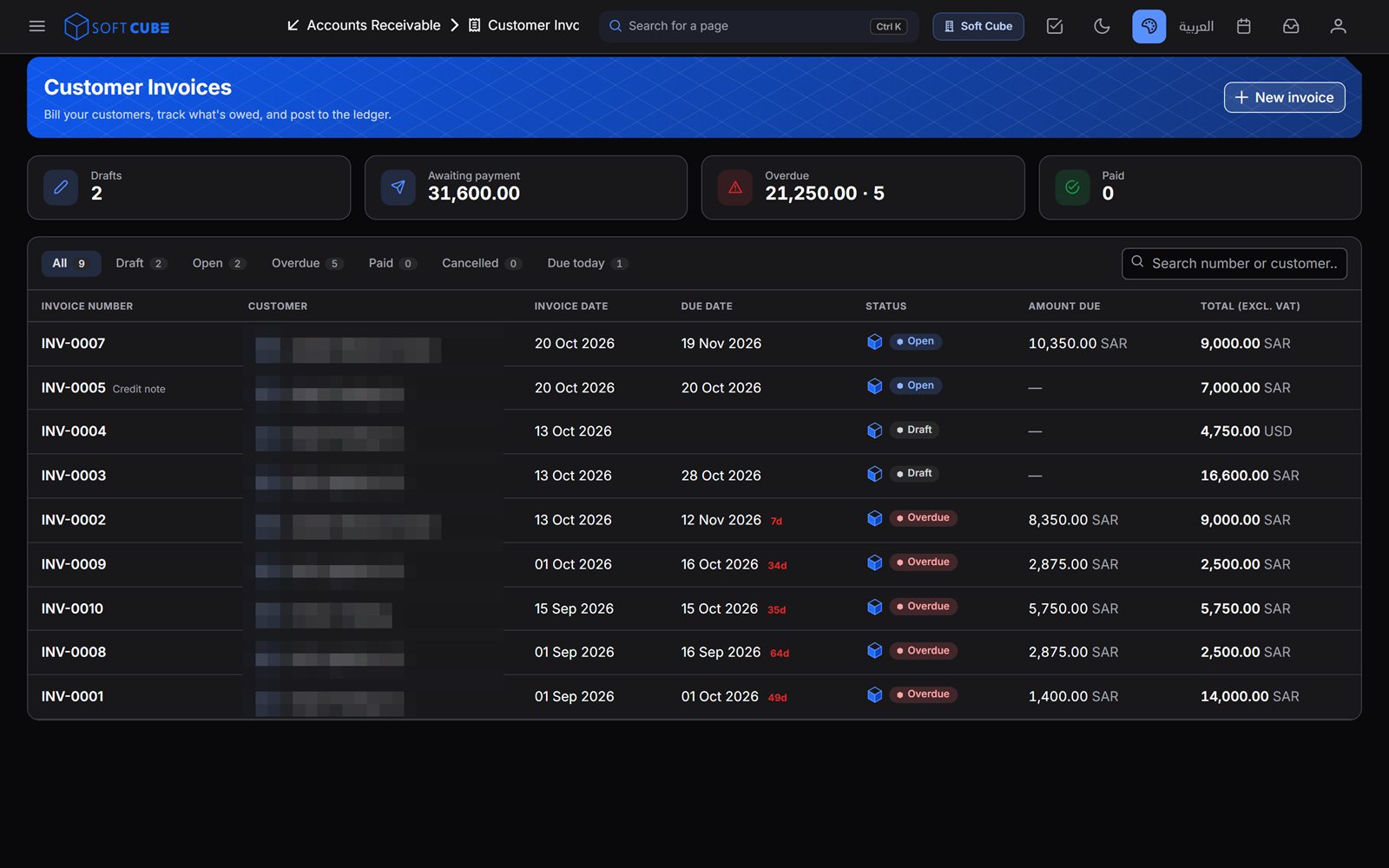
Know who owes you
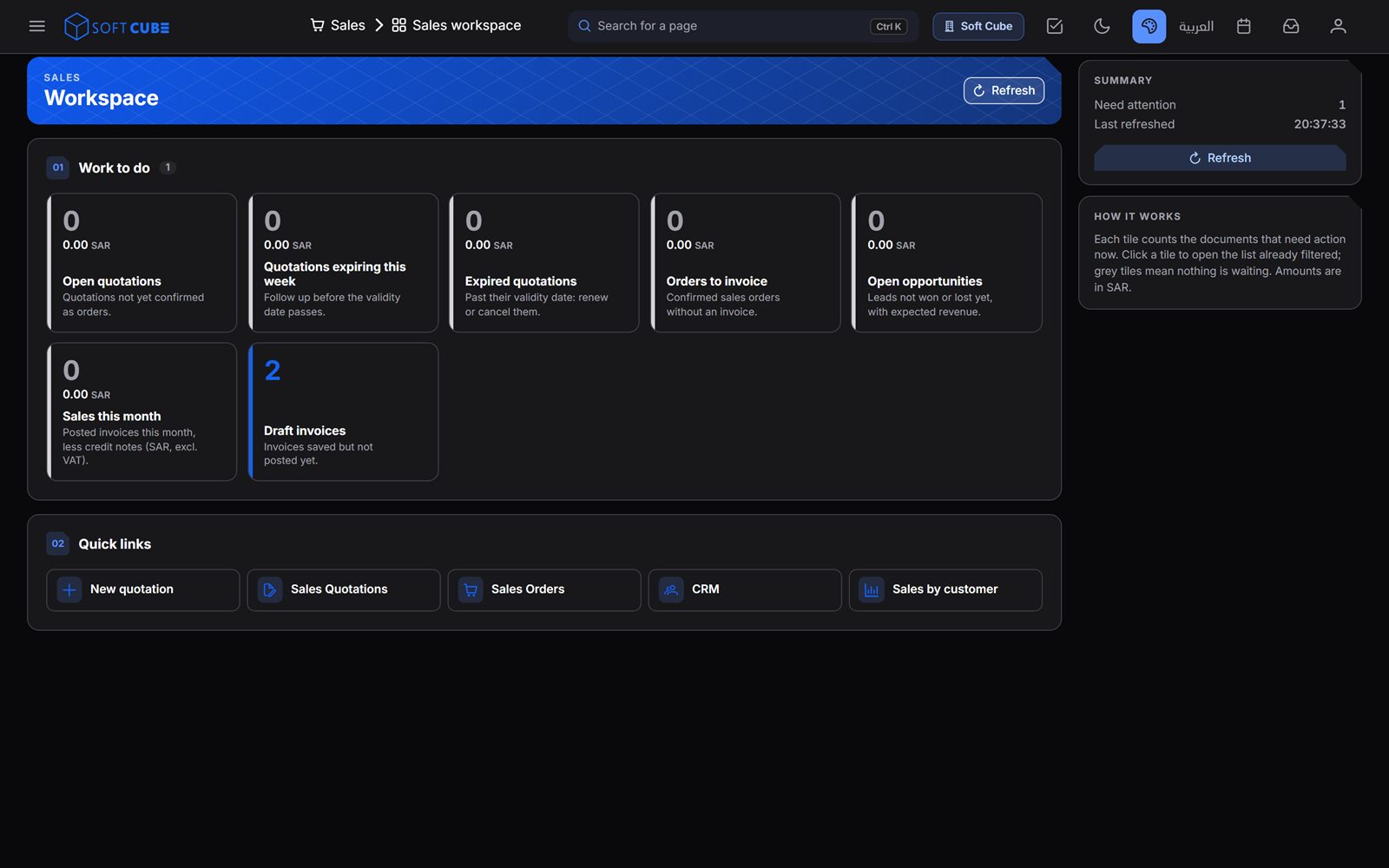
See what needs action today
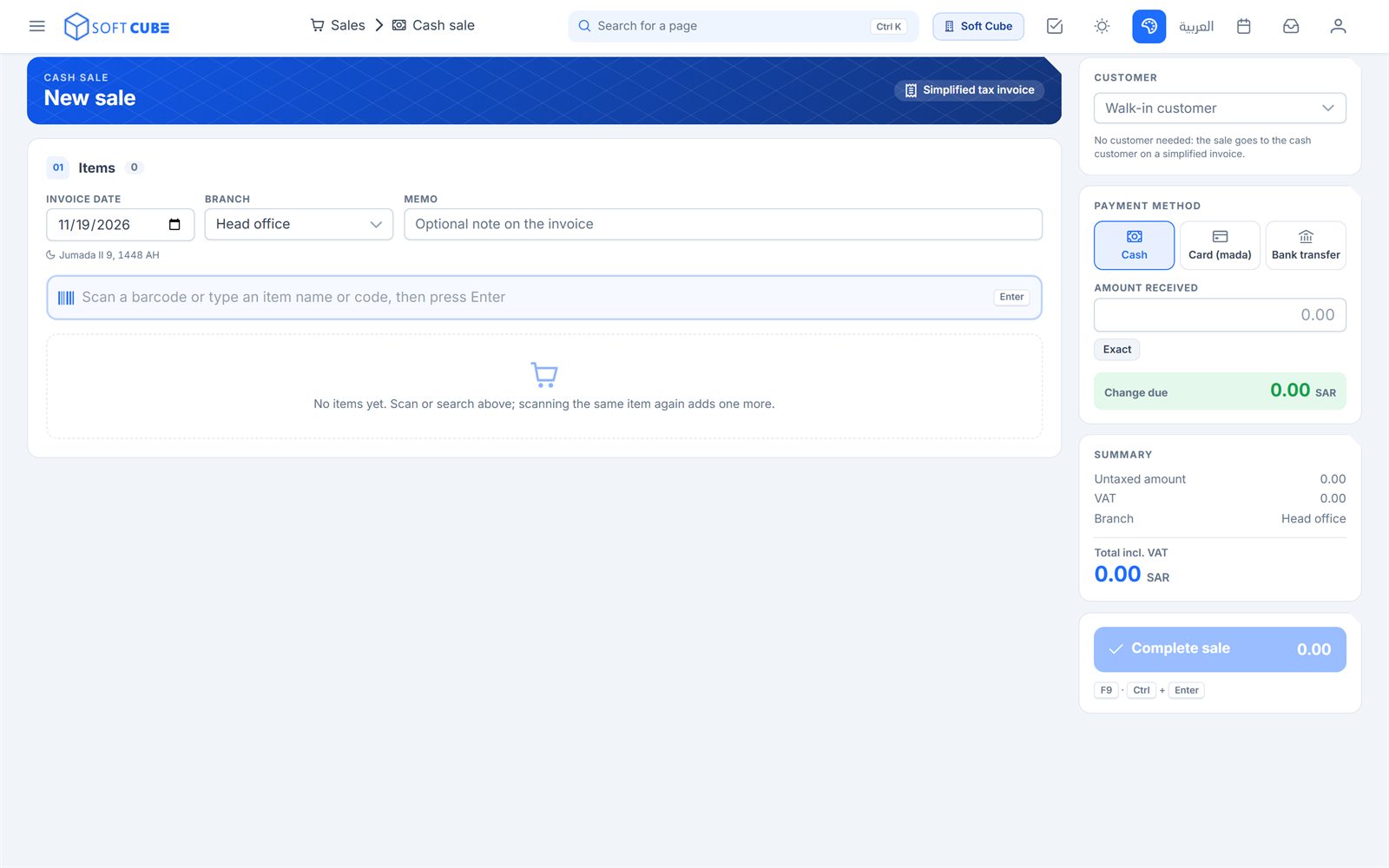
Cash sale counter
Built for Saudi Arabia
Saudi rules inside the system
No side spreadsheets for tax, no Arabic added later. These are part of the ERP from day one.
- 15% VAT on every line
- Zakat, withholding tax and the VAT return
- Saudi riyal, plus foreign currencies with live exchange rates
- Hijri dates on documents
- A full Arabic interface that reads right to left, and an English one
- Printed tax invoices in Arabic and English
Industries
A ready setup for your business
Pick your industry when you start, and the ERP begins with a setup made for it.
- General business
- Professional services / IT
- Trading and wholesale
- Retail shops
- Contracting and construction
- Real estate
- Equipment and car rental
- Manufacturing
- Restaurants and cafés
- Clinics and healthcare
Getting started
Three steps to go live
Sign up your company
Sign up online and pick your industry and plan. The trial runs 30 days and needs no card.
Set up your data
Start from the ready accounts and settings for your industry, and use the setup wizard and data import.
Start working
Issue your first invoice with its VAT, and see what needs action today in the workspaces.